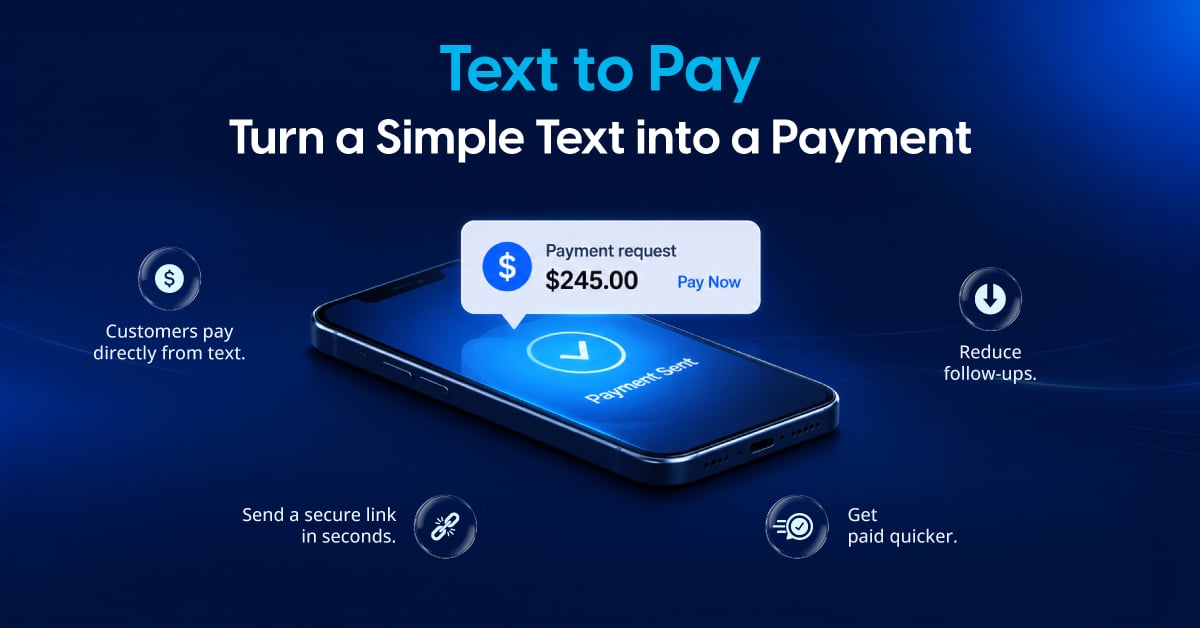
Text to Pay lets businesses send customers a payment link by text message, so customers can pay from their phone in a few taps. There’s no phone call to schedule, no card number to read aloud, and no portal to find.
For merchants, that means fewer payment hurdles and a simpler way to collect invoices, outstanding balances, and deposits.
This guide covers how SMS payments work, best practices for sending them, which businesses use them, and how Valor PayTech’s PayNow Link fits in.
What is Text to Pay (PayNow Link)?
Text to Pay, also known as pay by text message, is a payment method where a business sends a customer a payment request through SMS. The message includes a secure link to a mobile-friendly payment page, where the customer reviews the amount and pays.
At Valor PayTech, merchants can use PayNow Link to send a payment link to customers via text, making it easier to collect payments remotely and give customers a convenient way to pay.
How Does Text to Pay Work?
The process takes five steps: the business sends a request, the customer receives it, opens the link, pays, and both sides get confirmation.
1. The Business Sends a Payment Request
The merchant creates a payment request and sends it to the customer’s phone number. The message includes the amount due and what it covers, such as an invoice number or a service description.
2. The Customer Receives the Payment Text Message
The customer gets an SMS with the request and a payment link. They can open it right away or whenever it suits them.
3. The Customer Opens the Payment Link
Tapping the link opens a secure, mobile-friendly payment page in the phone’s browser. Customers don’t need a separate app or a login to pay via SMS.
4. The Customer Completes the Payment
The customer checks the details, enters their payment information, and submits. The transaction is then processed through the merchant’s payment provider.
5. The Payment is Confirmed
The customer gets a receipt by text or email, if the business has receipts turned on. The merchant sees the completed payment in their transaction records
Best Practices for Sending Payment Links by Text
A few simple habits keep text payments compliant, easy to trust, and quick to complete.
Get Consent Before You Text
Only text customers who have agreed to receive messages from your business and keep a record of that consent. Business texting is governed by federal rules such as the Telephone Consumer Protection Act (TCPA), enforced by the Federal Communications Commission, as well as state laws and wireless carrier requirements. These rules change, so review your consent process with your legal or compliance team before you start, and honor every opt-out request, such as a customer replying to STOP.
Say Who You Are
Put your business name at the start of every message, so customers recognize it before they tap anything.
Keep the Message Short and Specific
Include the amount, what it covers, and one payment link. Leave out sensitive details such as account numbers, medical information, or case details.
Give Customers a Way to Verify
Add a phone number or website customers already know, so they can confirm the request is real before paying.
Send at Sensible Times
Send requests during business hours and keep follow-up reminders few and polite.
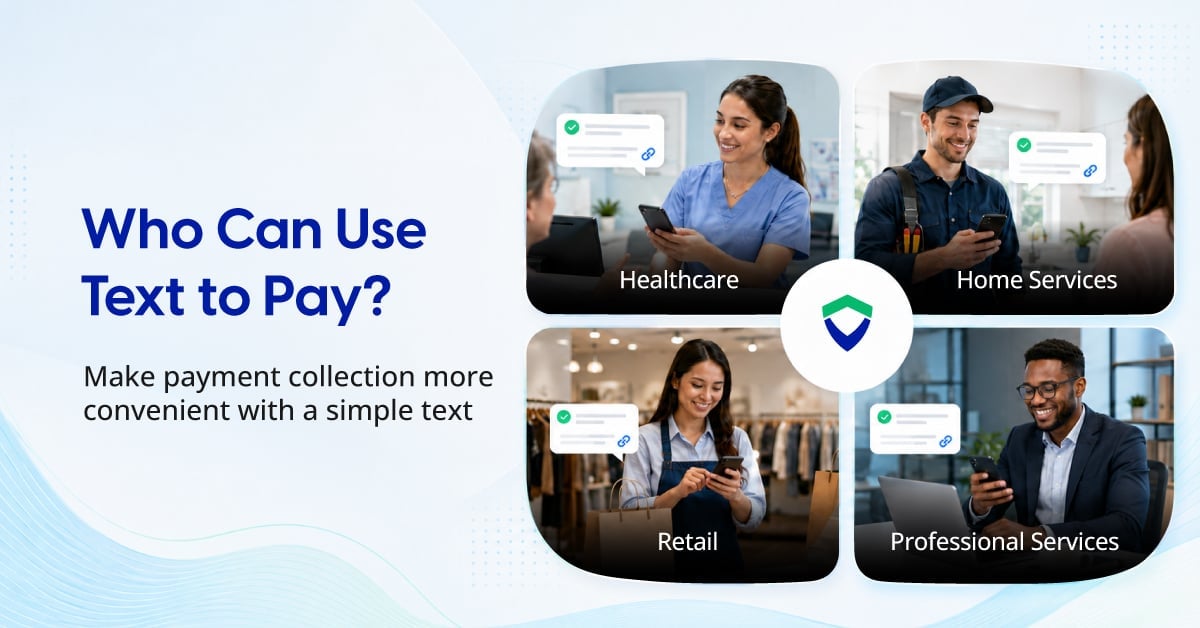
What Types of Businesses Use Text to Pay?
SMS pay works for any business that bills customers after a service or collects payments remotely.
Home and Field Services
Plumbers, electricians, landscapers, and repair technicians can send a payment link as soon as a job is done.
Scenario: A plumber finishes a repair and texts the invoice before leaving the driveway.
Healthcare and Dental Practices
Practices can text patients a link to pay copays and outstanding balances without a billing call.
Scenario: After a visit, the front desk texts a patient a link to pay the remaining balance.
Caution: Patient information needs extra care. Keep messages to the practice name, the amount, and the link, with no diagnosis or treatment details, and confirm your process with your compliance team before sending.
Salons and Spas
Salons and spas can use pay by link to collect a deposit when an appointment is booked, then text the balance after the service. Taking a deposit upfront helps protect the schedule from last-minute cancellations and no-shows.
Scenario: A client books a color appointment, and the salon texts a deposit link to secure the slot.
Professional and Legal Services
Accountants, consultants, and law firms can send payment links for invoices and retainers.
Scenario: An accountant texts a client the tax preparation invoice once the return is filed.
Caution: Law firms should confirm where payments are deposited, since bar rules control how client funds and retainers are handled. Keep case details out of the message.
Retail and Restaurants
Retailers and restaurants can text payment links for phone orders, special orders, and catering deposits.
Scenario: A customer calls in a catering order, and the restaurant texts a deposit link to confirm it.
Benefits of Text to Pay for Businesses
Text payments help businesses get paid faster with less manual work, while giving customers an easy way to pay from anywhere.
Convenient for Customers
Customers can open a pay now link directly from their phones. They don’t have to remember a website address or search for where to pay.
Helps Businesses Collect Payments Faster
A direct link cuts the steps between sending a request and receiving payment, so invoices and balances close sooner.
Reduces Manual Payment Collection
Staff spend less time on phone calls and don’t need to take card details over the phone. Customers enter their own details on a secure page.
No App Download Required
Customers pay in their mobile browser, with no app to download or account to create.
Works Well for Remote Payments
Businesses can collect payment even when the customer isn’t there, which makes text message payments useful for remote services, invoicing after a job, and outstanding balances.
Creates a Convenient Customer Experience
Fewer steps mean fewer reasons to put off paying. A simple payment link gives customers a smoother experience and helps businesses manage collections more efficiently.
Is Text to Pay Secure?
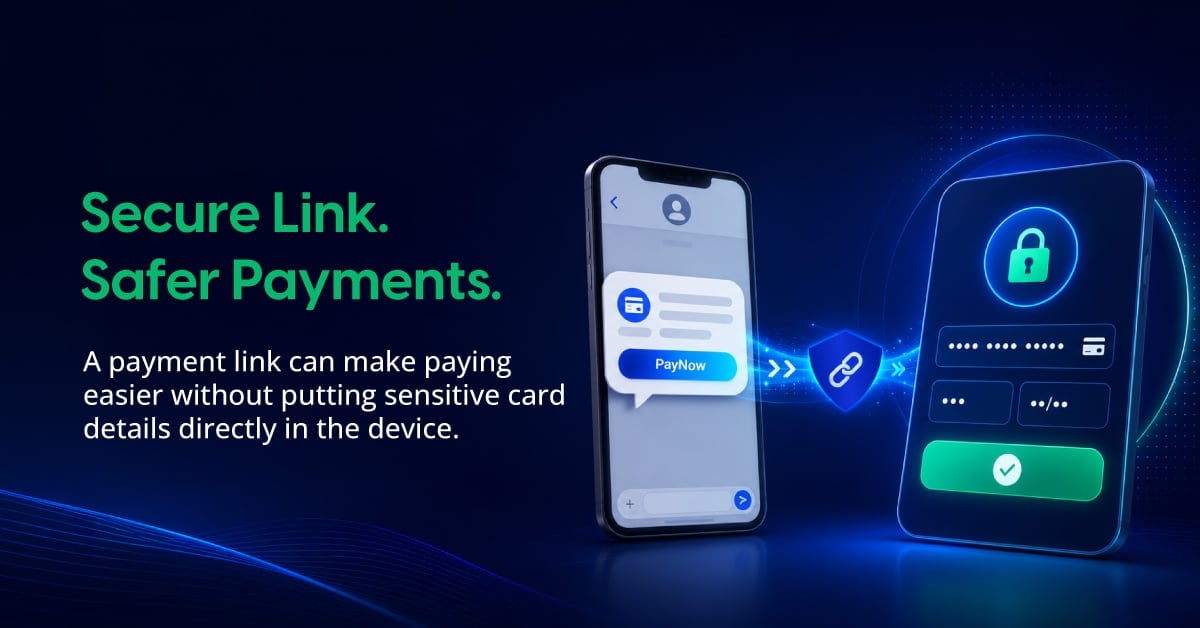
Yes, when businesses use a trusted payment provider. The customer enters card details on a secure, encrypted payment page instead of sharing them over the phone or in a text reply.
Look for a provider that uses encryption and tokenization and follows the PCI Data Security Standard (PCI DSS) for handling card data.
Businesses should also help customers avoid scams that imitate real payment texts. People reported losing $470 million to scams that started with a text message in 2024, more than five times the 2020 amount, according to the Federal Trade Commission. A clear sender name, a consistent message format, and a known number to call back help customers tell your requests apart from fraud.
Text to Pay vs QR Code Payments
Paying by text suits remote payments, while QR code payments suit customers who are physically present.
| Text to Pay | QR Code Payments |
|---|---|
| Payment link is sent directly through SMS | Customer scans a QR code |
| Can be used remotely | Typically used when the customer is physically present |
| Customer taps a link on their phone | Customer uses their phone camera or QR scanner |
| Useful for invoices and payment follow-ups | Useful for in-person transactions and printed materials |
| Doesn't require physical signage | Requires a visible QR code |
For businesses that send invoices or collect payments remotely, text payments are the better fit. For in-person payments and printed materials, QR codes work well. Many businesses offer both to match how each customer prefers to pay.
How Valor PayTech Helps Merchants with Text to Pay
PayNow Link is Valor PayTech’s hosted payment page, generated instantly and shared by SMS, email, or chat. Customers open the link on their phone and pay on a secure page that shows the merchant’s logo, name, and address.
Merchants create PayNow Links from the Valor Virtual Terminal or the ValorPay mobile app.
What Merchants Can Do with PayNow Link
- Send a fixed-amount link for a specific invoice, or a flexible link where customers enter the amount, for donations, fundraising, and deposits.
- Create links that never expire.
- Require the details you need, such as an invoice number or customer name, on every payment.
- Protect payments with Captcha verification and maximum transaction limits set in Valor Shield RT.
- Sync payments to QuickBooks through Valor’s QuickBooks integration.
Get Started with PayNow Link
Whether you’re a merchant collecting payments by text or an ISO or ISV offering PayNow Link to your merchants, our team can help you get started.
[Contact Sales]
The Future of Text Payments
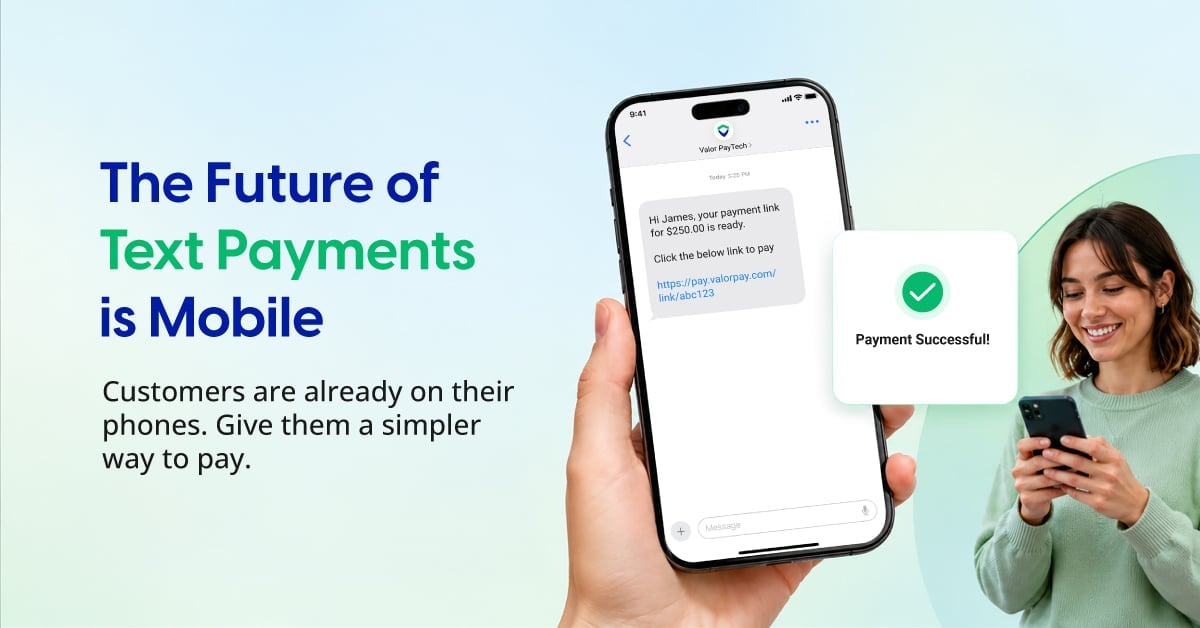
Text payments fit the way customers already manage their day: on their phones. According to Pew Research Center, 91% of U.S. adults own a smartphone (survey conducted February to June 2025).
Paying text isn’t designed to replace every payment method. Instead, it gives businesses another way to meet customers where they already are.
For merchants, the goal is simple: make it easier for customers to pay and easier for businesses to collect. With Valor PayTech’s PayNow Link, businesses can add a secure payment-link option to their payment strategy.
FAQ
1. Can customers pay by text without downloading an app?
In many cases, yes. Customers can typically tap the payment link in the SMS and complete the transaction through a mobile browser without downloading a dedicated application.
2. Can Text to Pay be used for invoices?
Yes. Businesses can use payment links sent through text to collect invoice payments, outstanding balances, and other amounts owed.
3. Is Text to Pay the same as paying through SMS?
The terms are often used interchangeably. Text to Pay, Pay by Text, and SMS payments generally refer to payment experiences where a customer receives a payment request or link through a text message.
4. Can businesses send payment reminders by text?
Depending on the payment solution and its available features, businesses may be able to send payment reminders or follow-up messages through SMS.
5. Do customers have to pay immediately after receiving a payment link?
Not necessarily. The customer can typically open the payment link and complete the transaction when they are ready, subject to any expiration or restrictions set by the payment solution.
6. What should customers check before paying through a text message?
Customers should verify that the message comes from a legitimate business and that the payment link leads to a trusted, secure payment page. If a message looks suspicious or unexpected, customers should contact the business directly before making a payment.
7. What is the difference between Text to Pay and PayNow Link?
Text to Pay is the general term for collecting payments through a payment link delivered via SMS. PayNow Link is Valor PayTech's solution that enables merchants to send a payment link to customers through text, allowing them to complete the payment remotely.
References
- Pew Research Center, Mobile Fact Sheet: https://www.pewresearch.org/internet/fact-sheet/mobile/
- Federal Trade Commission, Top Text Scams of 2024: https://www.ftc.gov/news-events/data-visualizations/data-spotlight/2025/04/top-text-scams-2024
- PCI Security Standards Council: https://www.pcisecuritystandards.org/
Ready to get started?
Become a Partner Today!
Complete the form below.