

POS
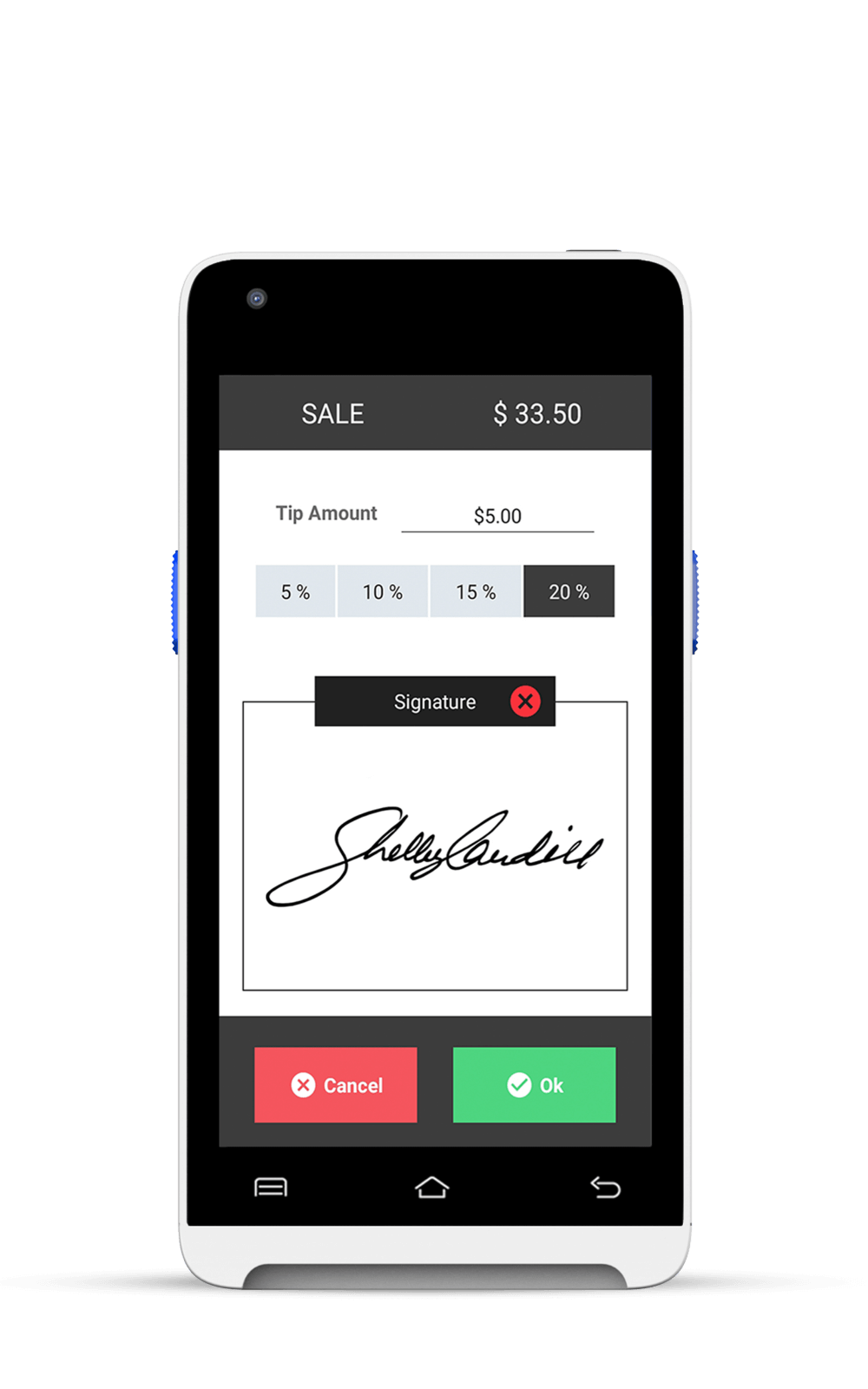
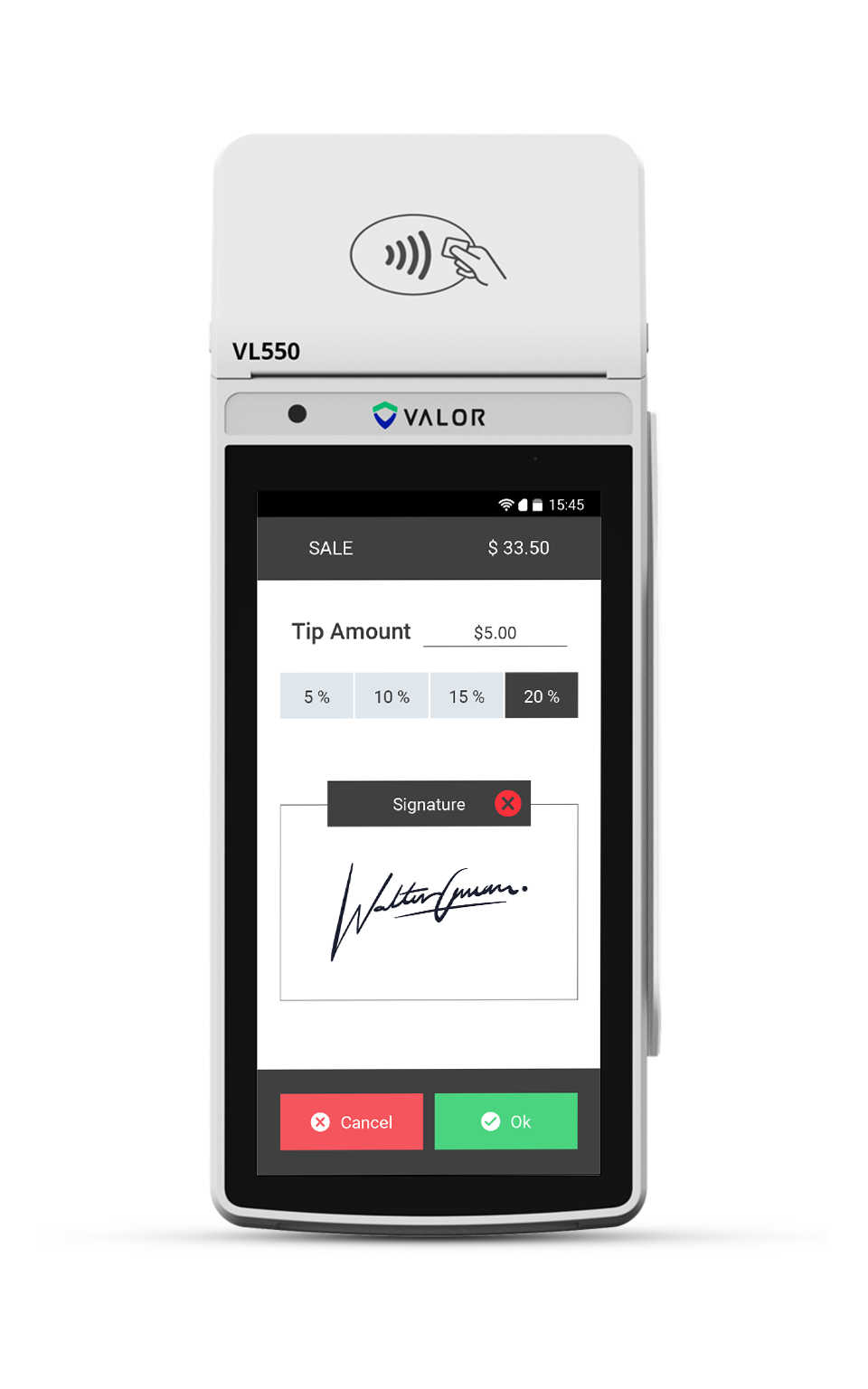
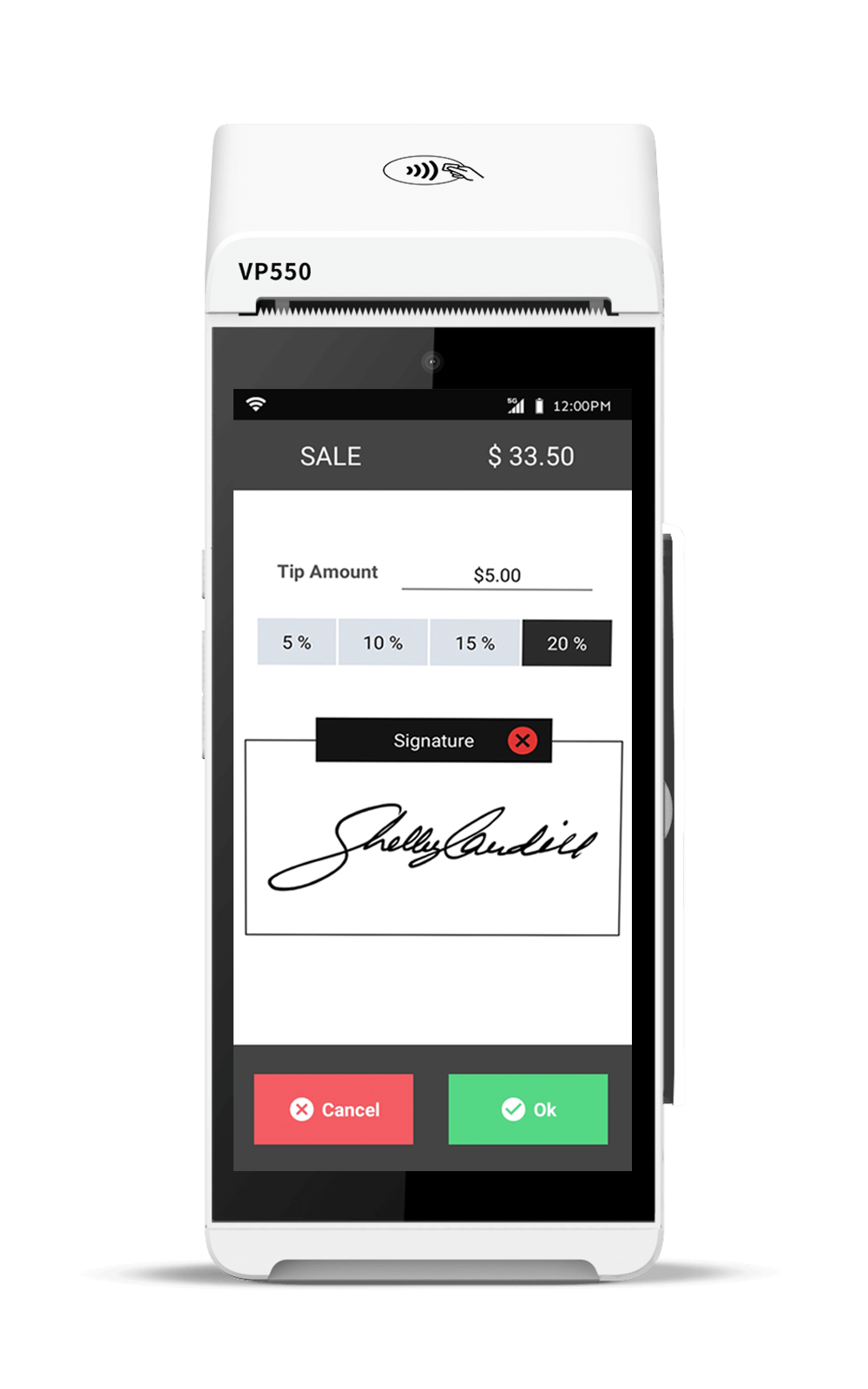
- Transaction Workflow Enhancement: This enhancement in the transaction logic of the Android POS terminal now allows a transaction to proceed even if the customer remains idle on the Tip screen for more than 30 seconds.
- Tip Report Enhancement: This enhancement to the Tip Report on Valor POS terminals introduces the Base Amount field.
- Report Enhancement – Multi-Clerk Tip Details: This enhancement to the Report section of the Valor POS Terminal introduces support for viewing multi-clerk tip details across the Detailed Summary, Tip Adjust Summary, and Tip Report.
- Password Protection for Fleet Config: This enhancement to the Fleet Config option in Valor POS terminals introduces a password-based control for configuring the price of Fleet products.
- Password for Manual Card Entry: This enhancement introduces a new checkbox: Prompt Password for Manual Entry. When enabled, the POS terminal prompts the merchant to enter the configured password before allowing manual card entry.
- Restriction on Issue Refund for Tipped Transactions: This enhancement to the Transactions module introduces a restriction on the Issue Refund option for transactions that include a Tip amount.
- Fleet Module – Dynamic Unit Pricing: This enhancement to the Fleet module introduces a new pricing logic that allows merchants to configure unit prices for service-based Fleet products directly from the POS terminal at the time of sale.
- Cashback Amount Display in Transaction Receipts and Confirmation: This enhancement to Valor Connect introduces the display of the Cashback amount in both the transaction receipt and confirmation screen within the portal.
- Fee Support – Tip and Tax for Pre-Auth Transactions in Valor POS: This enhancement introduces support for Tip, Tax, and Fee calculations during Pre-Authorization (Auth) transactions on Valor POS terminals.
- Security Enhancements for Refund and Batch Out: This enhancement to the Device Parameters adds support for two new fields: Password for Refund and Password for Batch Out.
- Tip Support for Pre-Auth and Post-Auth Transactions: This enhancement introduces Tip support for both Pre-Authorization and Post-Authorization transaction types.
Customizable Display Themes and Receipt Font Sizes: This enhancement in all Valor POS terminals introduces new setup options that allow merchants to personalize the user interface and receipt presentation.
- Force Transaction Status Acknowledgement: This enhancement in the Device Parameters introduces a new flag: Force Transaction Status Acknowledge under the Transaction sub-tab of the Terminal & Transaction tab.
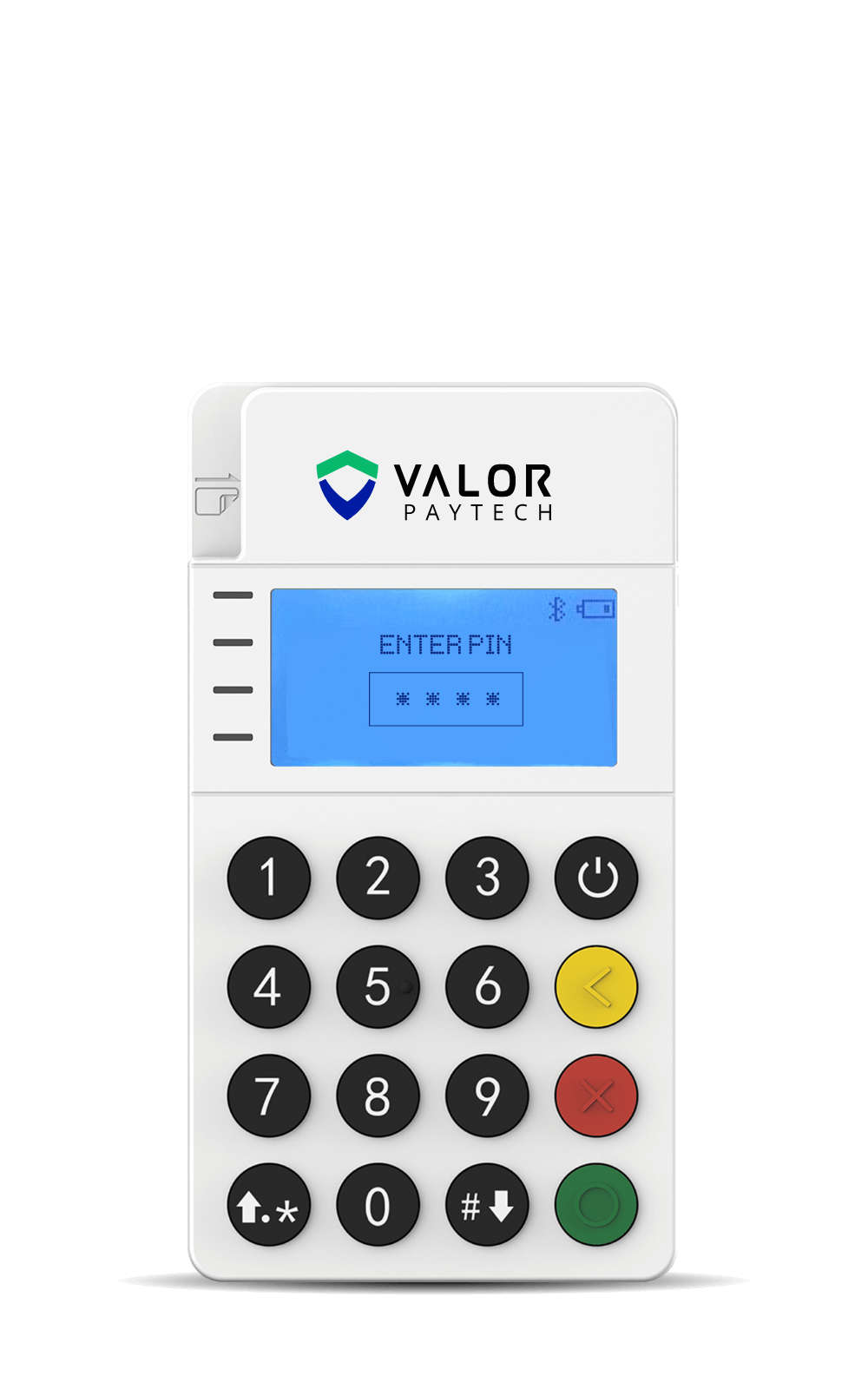
- External PIN Pad Support for PIN Entry: This enhancement in the Device Parameters of PIN Pad–supported POS terminals introduces a new flag: Use Pinpad for PIN Only, available under the Terminal sub-tab of the Terminal & Transaction tab.
- Animated Receipt Display on POS Terminals: This enhancement to the Device Parameters introduces a new flag: On Screen Receipt Animation, which is enabled by default.
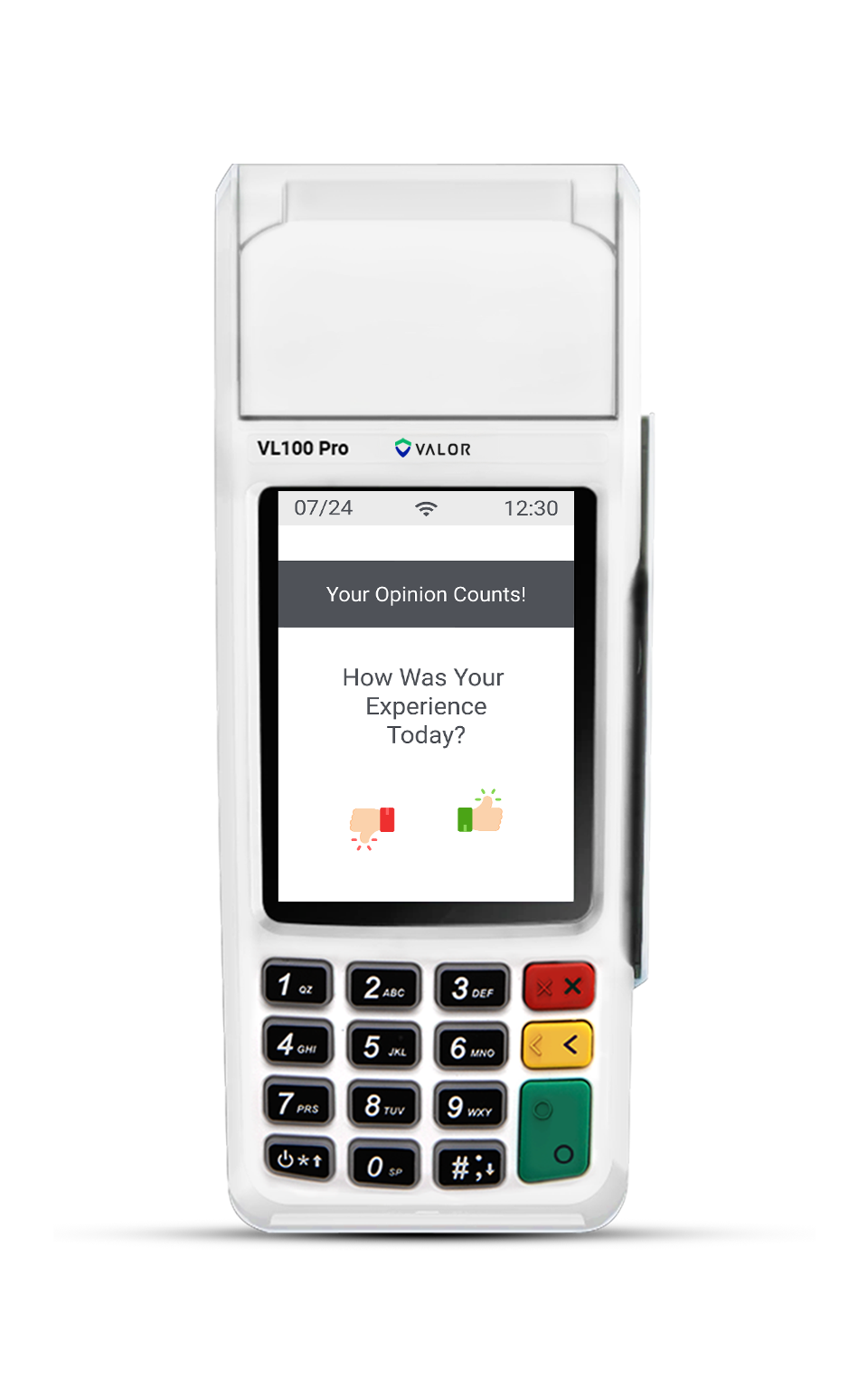
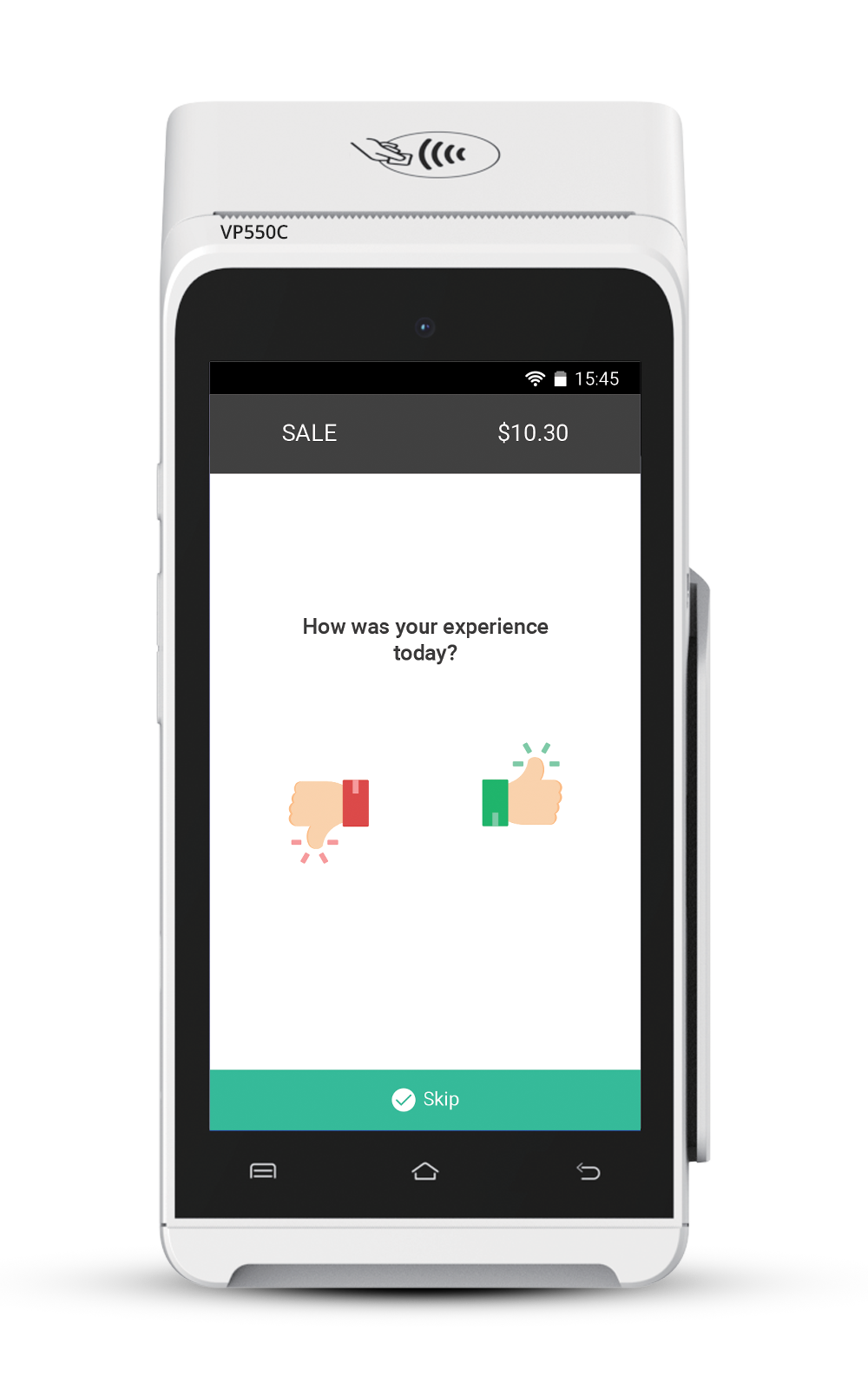
- Customer Satisfaction Survey Display on Printed Receipts: This enhancement to Valor POS terminals with the Customer Satisfaction Survey feature enabled introduces the display of submitted survey responses on printed transaction receipts.
- Pin Pad Listening Screen and Tip Support for VP300 Pro: This enhancement introduces a listening screen on the VP300 Pro PIN pad when connected to a VP550C terminal. Transactions initiated via Valor Connect can now be processed directly through the PIN pad.
- Access to Default Screen for Semi-Integrated Connections: This enhancement in Device Parameters introduces a new feature allowing access to the default home screen from any semi-integrated connection type.
- QR Code Support for Line-Item Transactions: This enhancement in the Device Parameters for Android terminals introduces support for generating QR codes for lineitem–based transactions.
Portal
- Valor Shield RT – Business Hours-Based Transaction: This enhancement to the Valor Shield RT introduces a new rule, Restrict Transaction Outside of Hours, enabling merchants to define active business hours during which transactions are permitted.
- Line Item based Transaction for ACH Sale: This enhancement to the Virtual Terminal module introduces line item-based transaction support for ACH Sale transactions.
- Mark as Paid for E-Invoice Transaction: This enhancement in the Manage section of a generated E-Invoice transaction introduces a new Mark as Paid option. Merchants can now manually update the status of a selected E-Invoice to reflect completed offline payments.
- Mandatory Cardholder Name – AVS Integration: This enhancement in the Device Parameters introduces a new flag: Mandatory Cardholder Name.
- Receipt Enhancement – Displaying Customer Name: This enhancement in the Transaction Module introduces the Customer Name field on all receipts generated through the Valor Portal.
- Search Filters – Engage My Customer: This enhancement in the Valor system to process and Capture the Valor POS terminal transactions into Engage My customer module.
- Transaction Module Search Filter – Device Label: This enhancement to the Transaction Module introduces Device Label as a search filter.
- Refund Restriction – Tip-Based Transactions: This enhancement to the Transactions Module restricts the ability to issue refunds for transactions that include a tip—whether provided during the original sale or through a tip adjustment.
- Enhanced QuickBooks Payment Method Mapping: When a transaction is processed through the Virtual Terminal, the synced entry in QuickBooks now accurately reflects the payment type as Credit or Debit, instead of the generic Card label.
- Virtual Terminal Enhancement – Initiated By Column: This enhancement to the Manage section of the Virtual Terminal module introduces a new Initiated By Merchants can now easily identify the user who initiated each transaction.
- Column Sorting Feature in Transaction Module: This enhancement in the Transaction Module introduces a column sorting feature across all available fields.
- QuickBooks Integration – Preferred Deposit Account: This enhancement in the QuickBooks Configuration sub-tab under the QuickBooks tab in the Settings Module introduces a new field: Preferred Deposit To Account.
- Transaction Module Enhancement – Credit Memo for Refunds: This enhancement in the Transaction Module introduces a new Credit Memo field for all Issue Refund transactions.
- Multi-Boarding API – Unified Device Properties: This enhancement to the MultiBoarding API eliminates the need to define device properties for each Child EPI individually.
- Device Management – View Associated Operators: This enhancement in the Device Management module introduces a new option for merchants to view operators associated with a specific device.
- Duplicate ACH Transaction Confirmation for Mobile ACH Sale: This enhancement to the ACH Sale API for the Valor Pay Mobile application introduces a confirmation screen when attempting to reinitiate an ACH transaction with the same account and amount within a 48-hour window.
Home Screen Dashboard Filter – Today as an Option: This enhancement in the Dashboard Filtering Options on the Home screen introduces a new Today filter.
- Device Management – Verbiage Update for Filter: This enhancement in the Device Management Module updates the filter label under Application Type to BinBase Surcharge for improved consistency and readability across the portal.
- SMS Receipt Template with Installment Summary: This enhancement to SMS receipt notifications for customers enrolled in recurring billing introduces a new template that clearly displays the billing interval and the total number of installments.
- Parameter Sync for Multi-MID Profiles: This enhancement in the Device Parameters introduces a new option for Multi-MID profiles, allowing merchants to copy only modified parameter changes from the current device to other Child EPIs under the same profile.
- Settings Module – Verbiage Update for Vault Storage: This enhancement in the Merchant Settings section of the Settings Module updates the verbiage from Store card to vault to Store Card to Vault for improved consistency and readability across the portal.
- Virtual Terminal – Device Label in Setting Default EPI: This enhancement to the Settings Module for Virtual Terminal EPIs introduces visibility of the Device Label next to each EPI when selecting a Default EPI.
- Vault Module – ACH Account Restrictions and Auth Resend: This enhancement to the Vault module introduces new controls for managing ACH account details during customer creation.
- Timestamp Display for Upload History: This enhancement to the Upload History option in the Product and Modifiers sub-tab of the Product section in the Settings module introduces the display of timestamps aligned with the merchant’s configured time zone.
- Recurring Billing Update with Tokenized Vault Customers: This enhancement improves the recurring billing workflow in the Virtual Terminal by enabling merchants to edit active recurring payments associated with tokenized Vault customer profiles.
- Detailed Summary Display for Recurring Installment Transactions: This enhancement to Recurring Installment Transactions in the Virtual Terminal introduces a comprehensive summary display.
- Accurate Display of Upcoming Recurring Payment Dates: This enhancement resolves an issue with the display of upcoming payment dates for Recurring billing.
- Enhanced Address and AVS Status Visibility in Transaction Overview: This enhancement to the Transaction Overview section in the Transactions Module adds visibility into the billing and shipping addresses for transactions initiated via the Virtual Terminal.
- Option to create New item from template for Products and Modifiers: This enhancement in the Product and Modifier sub-tab under the Product section of the Settings module introduces a new option: New Item from Template.
- Taxable range increased to 20% in Device Parameters: This enhancement in the Device Parameters now allows merchants to configure State Tax up to 20%.
- CEDP Display Enhancement for Level 2 and Level 3 Transactions: This enhancement improves the user interface for transactions eligible for Level 2 and Level 3 (L2/L3) benefits in the Virtual Terminal by introducing a clear display of the Commercial Enhanced Data Program (CEDP).
- CEDP Checklist Display for Tax ID–Enabled Merchants: This enhancement to the Virtual Terminal module introduces visibility of the CEDP checklist for merchants whose profiles include a configured Tax ID, set by their associated ISO.
- Conditional Requirement of Commodity Code and Unit of Measure in Product Configuration: This enhancement to the Add Item option under the Product section of the Settings Module removes Commodity Code and Unit of Measure as mandatory fields for merchants who do not support Level 2 or Level 3 (L2/L3) data processing.
- Support for ‘Each’ as Unit of Measure in Product Configuration: This enhancement to the Add Item option under the Product section of the Settings Module introduces Each as a selectable Unit of Measure when creating a Product or Modifier.
- Improved Tax ID Verbiage and In-Field Guidance: This enhancement to the Merchant Management module introduces improved verbiage and contextual in-field guidance for the Tax ID field.
- Valor Connect Shortcut for Operators: This enhancement to the Home screen of the Valor Portal introduces a Valor Connect shortcut for operators assigned to devices with Valor Connect enabled.
- Enhanced Password Security and Authentication: This enhancement in Valor portal strengthens user login security by introducing OTP-based authentication and enforcing an updated password policy.
- Operator Creation Limit: This enhancement introduces a daily restriction for creating operator profiles in the User Management module.
- Store-Based Transaction Filtering: This enhancement to the Transaction module introduces support for filtering transactions by store name.
- Improved Merchant Boarding Validation: This enhancement in the Valor Portal and Valor CRM API introduces advanced validation logic during merchant creation and updates.
Accurate Gross Sale and Transaction Graph Display: This enhancement resolves a discrepancy in the display of Gross Sale values and the corresponding Transaction Overview graph on the Home screen. - Unique Username Enforcement for Multi MID Merchant Profiles: This enhancement to the Merchant Boarding process for Multi MID profiles introduces a restriction that prevents the creation of profiles with duplicate usernames.
TMS
- AVS for E-Invoice – Billing address saved to Vault: A new flag, AVS for E-Invoice, enables an open field during E-Invoice transactions to collect the customer’s billing address and ZIP code. The information entered is securely stored in the Vault with the customer profile.
- E-Invoice Transaction – Merchant Logo Display: This enhancement in the Device Parameters introduces a new flag E-Invoice Display Merchant Logo.
- Valor Shield RT – Consecutive Failed Transactions: This enhancement in the Valor Shield RT introduces a new field, Consecutive Failed Transactions – PayNow Link, allowing merchants to configure the maximum number of failed transaction attempts permitted within a specified frequency.
- CVM Limits for Guam: This enhancement to the Merchant Management module introduces Cardholder Verification Method (CVM) limits for transactions executed in Guam, for all transactions exceeding $50.
- Merchant Logo Display for E-Invoice Page: This enhancement in the Device Parameters introduces a new flag—E-Invoice Display Merchant Logo, When enabled, merchants can display their configured logo on the E-Invoice payment page.
- Restored L2 Benefits Processing: This enhancement restores the ability to process and transmit Level 2 (L2) data for transactions executed through both the Virtual Terminal and POS terminals.
Switch
- Password Prompt for Manual Card Entry: This enhancement introduces Fallback Manual Transaction processing for devices onboarded with the Elavon Processor.
Mobile
- ACH Recurring Support for Android and iOS Mobile Applications: This enhancement to the Valor Pay Mobile application introduces support for ACH Recurring transactions on both Android and iOS platforms.
- Enable L2 Flag for VT and RCKT Devices: This enhancement introduces a new Enable L2 flag in the Device Parameters for Virtual Terminal and RCKT devices on Android and iOS platforms. When this flag is enabled, merchants are required to enter a Purchase Order Number during transaction execution.
- Mandatory Cardholder Name for Manual Entry: When enabled, merchants using the mobile application for manual card entry must provide the cardholder name as a mandatory field.
- Incremental Authorization Support in Valor Mobile Application: This enhancement introduces support for Incremental Authorization within the Valor Mobile application.
- In-App Update Notification for Android: This enhancement to the Android version of the Valor Pay Mobile application introduces an in-app notification for updates.
- Tip and Tax Fee Visibility for E-Invoice and PayNow Link: This enhancement to the Valor Pay Mobile application now includes applicable fees for Tip and Tax in their respective fields for transactions initiated through E-Invoice and PayNow Link.
ISV
- Add Card to Existing Vault Customer via Transaction Module: This enhancement in the Transactions Module introduces the ability for merchants to add new card details to an existing customer profile in the Vault.
- Support for Special Characters in Customer Name: This enhancement to the Vault module removes the previous restriction on using special characters in the Customer Name field.
- Customer ID Search Support in Vault Module: This enhancement in the Vault module introduces support for searching customers using their system-generated Customer ID.
- Tip Configuration Support for Valor Connect Transactions: This enhancement to transactions initiated through Valor Connect introduces a Tip section with an optional Tip Editable checkbox.
- ACH Sale Support for Magento Plugin: This enhancement to the Magento Plugin introduces ACH sale as a supported payment option.
ISV Assignment by All ISO User Types: This enhancement in the Merchant Management module enables all types of ISO users to assign their associated ISVs to their merchants.