

In 2026, customers expect fast, modern, and secure ways to pay—whether through your website, an invoice, social media, or a mobile device. If your business doesn’t offer convenient digital payment options, you risk losing customers to competitors who do.
This updated 2026 guide shows you how to accept online payments easily, securely, and in a way that fits your business model. You’ll learn everything—from taking credit card payments online to accepting payments on your website, social media, or mobile.
Why Accepting Online Payments Matters in 2026
Today’s customers shop everywhere: online, mobile, social media, text, and even livestreams. Offering online payments helps you:
- Reach more customers nationwide
- Improve conversion rates
- Get paid faster
- Automate billing
- Build trust & professionalism
- Offer multiple payment methods (cards, ACH, wallets, BNPL)
If you’re searching for how to take online payments or “how to accept credit card payments online,” you’re in the right place.
What You Need to Start Taking Online Payments
To receive online payments, your business must have:
1. A Payment Processor or Gateway
Examples include:
- Valor PayTech
- Stripe
- Square
- Authorize.net
This securely processes credit cards, ACH, wallets, and other payment types.
2. A Merchant Account
Some processors combine this automatically for you.
3. A Payment Interface
This could be:
- A checkout page
- Embedded form
- Hosted payment link
- Invoice with a “Pay Now” button
- Virtual terminal
4. Website Security (SSL + PCI DSS)
PCI compliance ensures safe handling of customer card data in 2026.
Once these are set up, your business is ready to start taking payments online.
How to Accept Credit Card Payments Online in 2026
Credit cards remain the #1 payment method for online shopping.
To accept credit card payments online, choose a provider that offers:
- PCI DSS Level 1 compliance
- Tokenization
- End-to-end encryption
- 3D Secure 2.0
- Fraud tools (CVV, AVS, behavioral AI)
- Mobile-friendly checkout
Modern platforms like Valor PayTech provide hosted checkout experiences and virtual terminals for easy CC payment acceptance.
How to Accept Online Payments: Step-by-Step (2026 Method)
Step 1: Choose Your Payment Methods
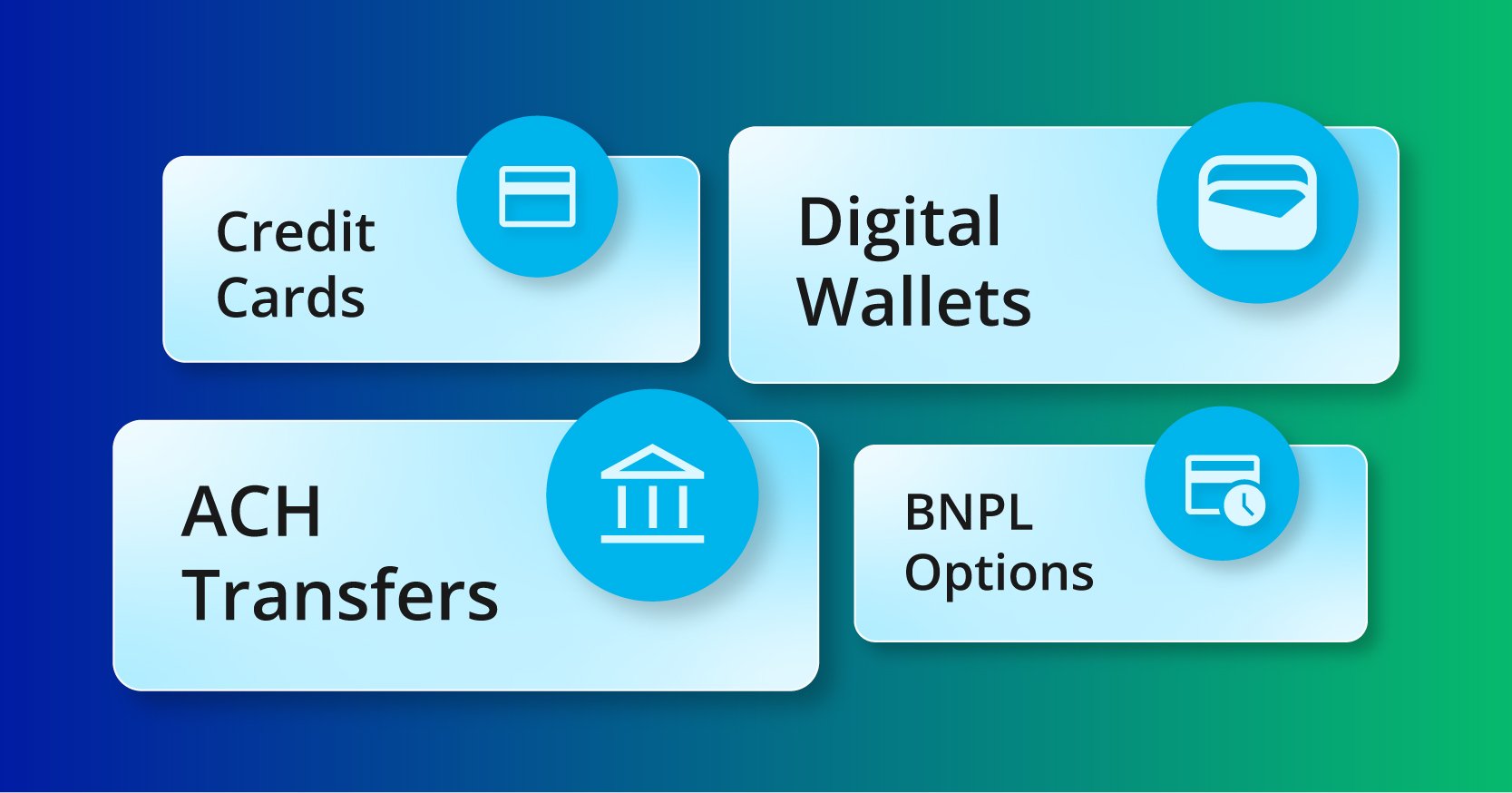
Today’s customers use multiple ways to pay. Popular types include:
1. Credit & Debit Cards
Essential for eCommerce, service businesses, and subscription models.
2. Digital Wallets
Apple Pay, Google Pay, PayPal remain essential for frictionless mobile checkout.
3. ACH / Bank Transfers
Perfect for high-ticket items, recurring payments, and B2B invoices with lower fees.
4. Buy Now, Pay Later (BNPL)
Boosts conversions for retail and eCommerce customers.
Choosing a broad mix helps you accept cc payments and all major digital payment methods seamlessly.
Step 2: Choose a Payment Processor or Gateway
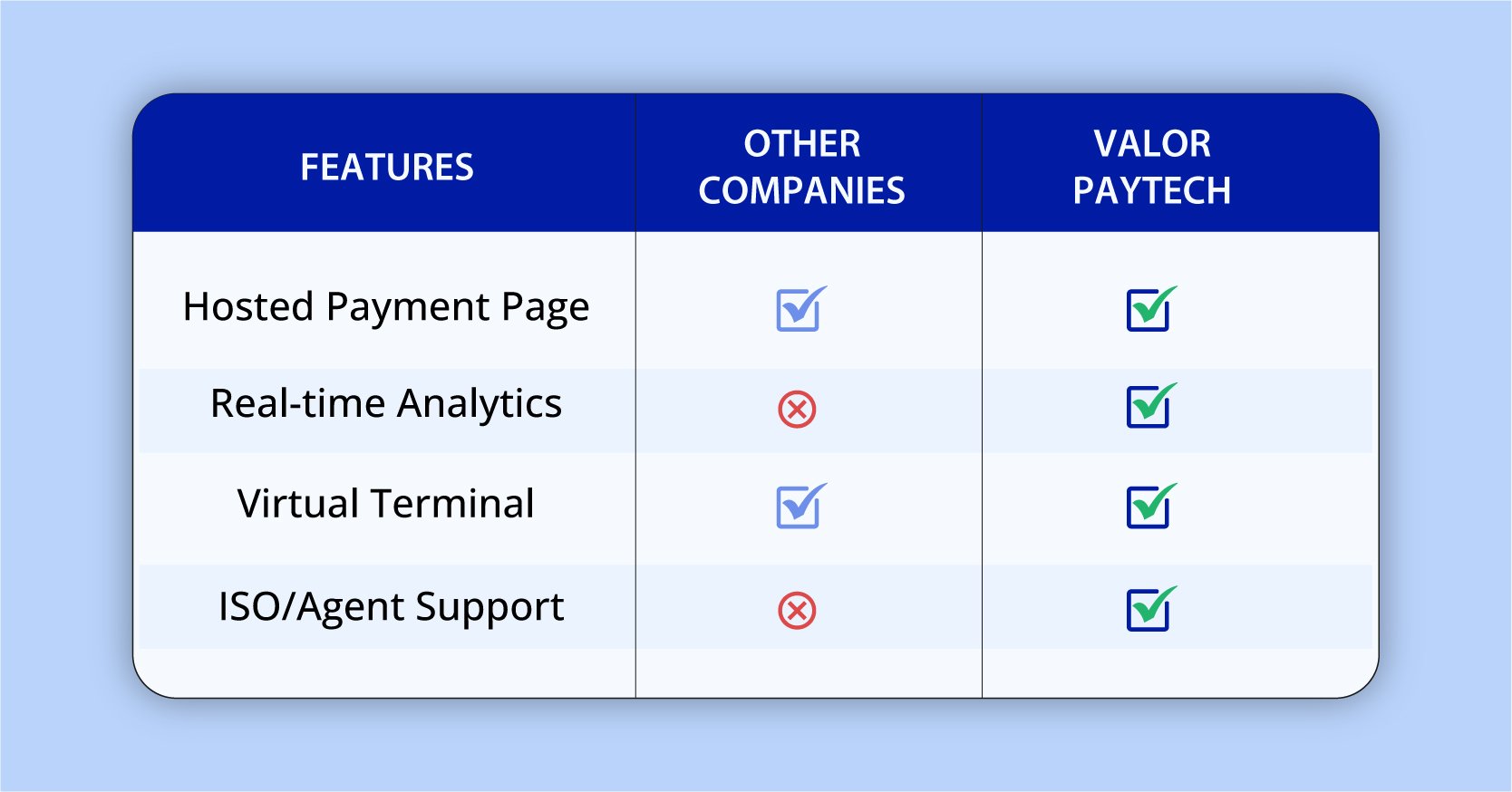
To take online payments, you need a processor that integrates with your website/platform.
Top Processors for 2026:
| Provider | Best For |
|---|---|
| Valor PayTech | All-in-one payments, hosted checkout, invoicing, analytics |
| Stripe | Developers & custom integrations |
| Square | Retail + online hybrid businesses |
| Authorize.net | Traditional merchants needing a stable gateway |
What to evaluate:
- Fees
- Supported payment types
- Fraud protection
- Integration options
- Checkout speed
- Reporting and analytics
Step 3: Set Up Your Website to Accept Payments

Option 1: Use Built-In Payment Plugins
If your website uses:
- Shopify
- WooCommerce
- Squarespace
- Wix
Just install a payment plugin and you’re live within minutes.
Option 2: Add “Pay Now” Buttons
Great for service providers or booking-based businesses.
Option 3: Use Hosted Payment Pages
Valor PayTech makes this easy—no coding needed.
Option 4: Custom API integration
For businesses needing branded checkout flows.
This step is key for anyone searching how to accept payments on my website.
Step 4: Enable Secure Payment Processing (2026 Requirements)
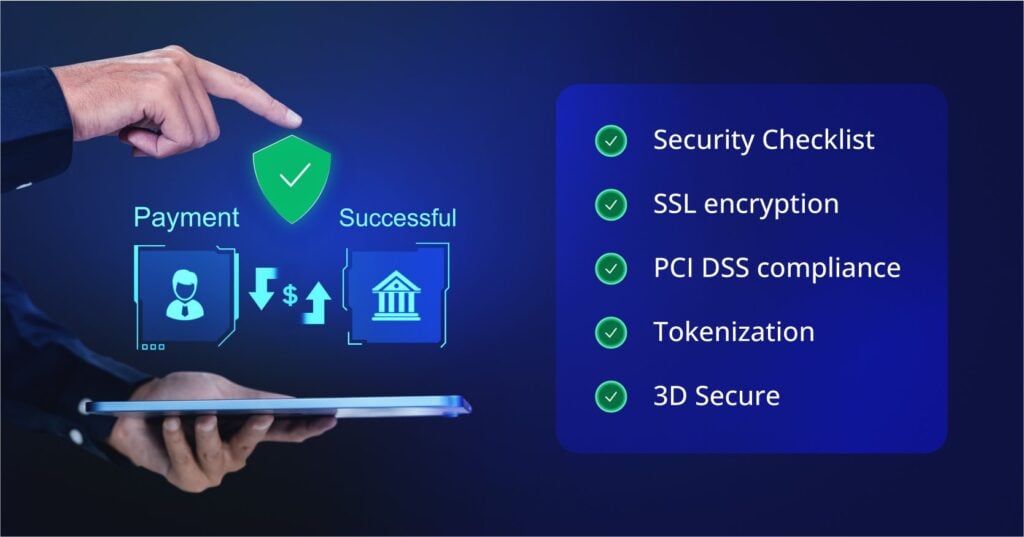
Security expectations have increased in 2026.
Must-have protections include:
✔ SSL encryption
✔ PCI DSS compliance
✔ Tokenization for saved cards
✔ AI-based fraud prevention
✔ 3D Secure (latest version)
✔ AVS & CVV checks
These protect your business and customers from fraud.
Step 5: Accept Payments via Invoice, Link, Email & SMS
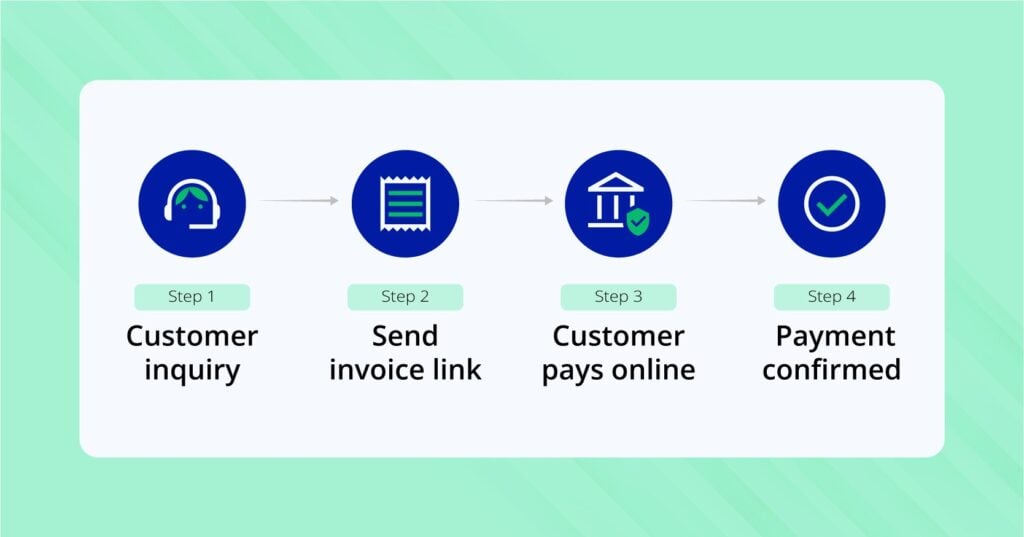
You can take online payments without a website using:
- Email invoices
- SMS payment links
- WhatsApp or Messenger pay links
- Direct payment URLs
- QR code payments
- Virtual terminals
These are popular for freelancers, consultants, local service providers, and B2B businesses.
Step 6: Accept Payments From Mobile Customers
Mobile commerce continues to grow in 2026.
Best mobile-friendly features include:
- Apple Pay / Google Pay
- One-click checkout
- Tokenized saved cards
- BNPL options
- Tap-to-pay checkout pages
Your checkout must be 100% responsive.
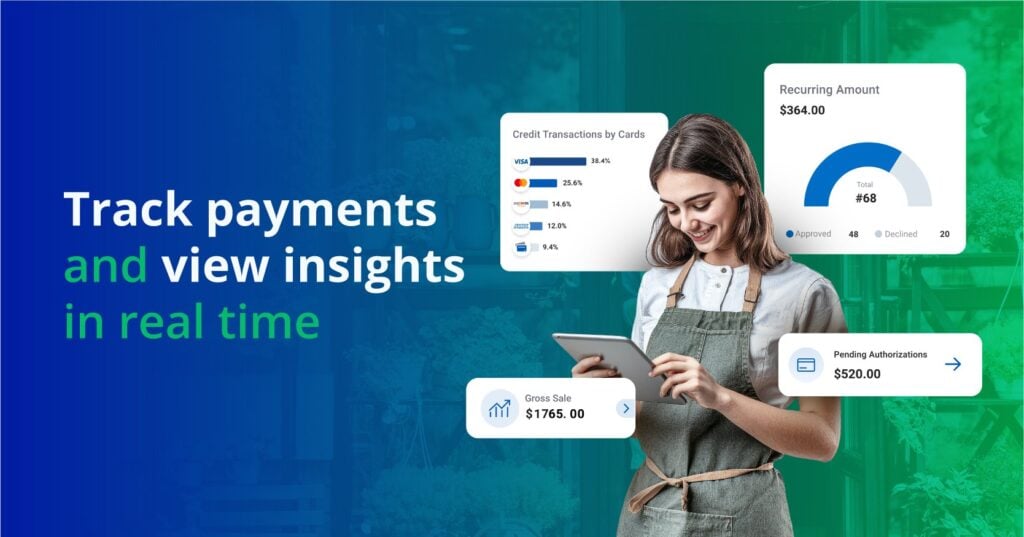
Step 7: Automate & Track Online Payments
Once you’re accepting payments, you need visibility.
Look for systems that offer:
- Real-time reporting
- Recurring billing automation
- Refund & dispute management
- Transaction history
- Analytics dashboards
This helps you scale and make informed decisions quickly.
How to Accept Payments on Your Website Easily (No Coding in 2026)
If you’re wondering how to accept payments on website, here are easy options:
1. Embedded Plugins (1-click install)
Ideal for beginners.
2. Hosted Checkout Pages
Best for service or invoice-based businesses.
3. Payment Buttons
Perfect for small websites or landing pages.
4. No-Code Payment Forms
Accept payments instantly on any page.
Website payments have never been easier.
How to Receive Online Payments Securely
Security is a top priority in 2026.
Key features include:
- PCI-compliant checkout
- Tokenized digital wallets
- 3D Secure 2.0
- Fraud monitoring with AI
- Strong passwordless authentication
Choosing a trusted U.S. provider like Valor PayTech ensures full compliance and safety.
Accept Payments via Email, SMS, or Social Media
You can accept payments on:
- Instagram DMs
- Facebook messenger
- SMS
- Email invoices
- Social media shops
Payment links are now one of the most popular ways to take online payments.
How to Accept Payments From Mobile Customers
More than 75% of customers shop from mobile in 2026.
Offer:
- Wallet payments
- One-click checkout
- BNPL
- Mobile-optimized forms
- QR payments
- Tap-to-pay online experiences
If mobile is slow, customers drop off. This optimizes conversions.
Final thoughts
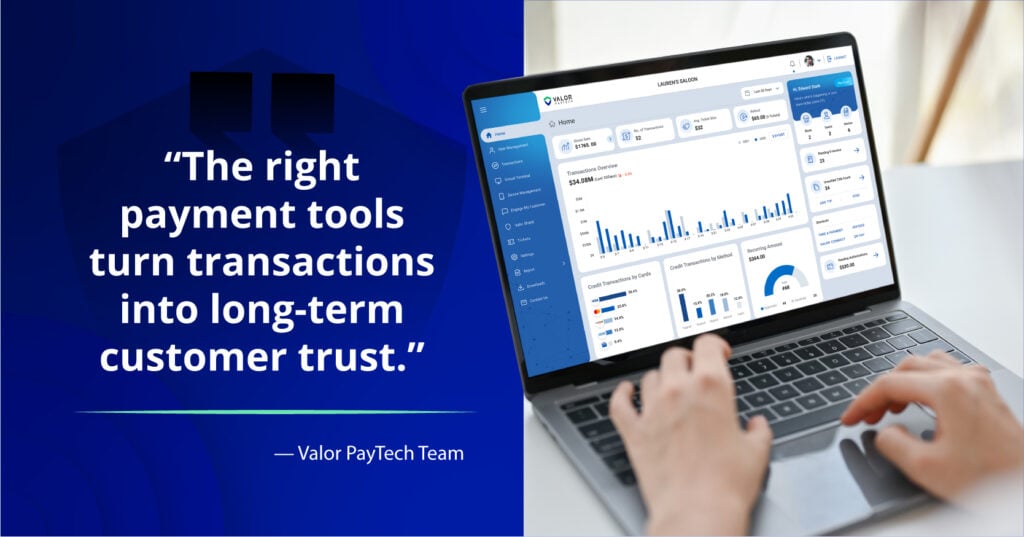
Whether you’re running an online store, service business, coaching practice, or B2B company, knowing how to accept online payments in 2026 is essential for growth.
Modern platforms like Valor PayTech make it easy to accept credit cards, ACH, wallets, and mobile payments—on your website, via invoices, or through social media.
Fast, secure, flexible payments = more customers + more cash flow + less manual work.
FAQ
1. What is the easiest way to accept payments online in 2026?
Using hosted checkout pages or payment links from Valor PayTech, Stripe, or Square.
2. Can I accept credit card payments online without a website?
Yes — via payment links, invoices, or a virtual terminal.
3. How much does it cost to accept online payments?
Average fees range from 2.3%–3.5%, depending on method and provider.
4. How do I accept credit card payments on my website?
Install a payment plugin, add a payment button, or use a hosted checkout.
5. Are online payments safe for customers?
Yes—if your processor uses SSL, tokenization, and PCI-compliant technology.
6. How long until funds reach my bank?
Typically 1–2 business days.
7. Can I accept recurring payments online?
Yes—ACH, cards, or subscription billing tools make it easy.
8. What is a virtual terminal?
A browser-based system for manually entering customer card details.
9. Do I need PCI compliance?
Yes—but most providers simplify or handle compliance for you.
10. What happens when a payment is declined?
The processor will provide a decline reason—often insufficient funds or bank restrictions.
Ready to get started?
Become a Partner Today!
Complete the form below.